

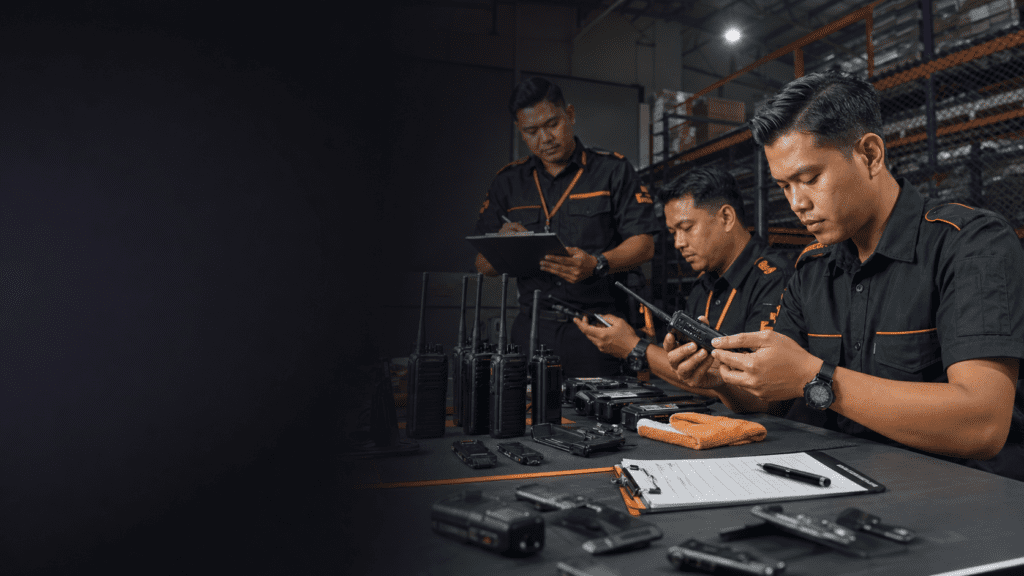
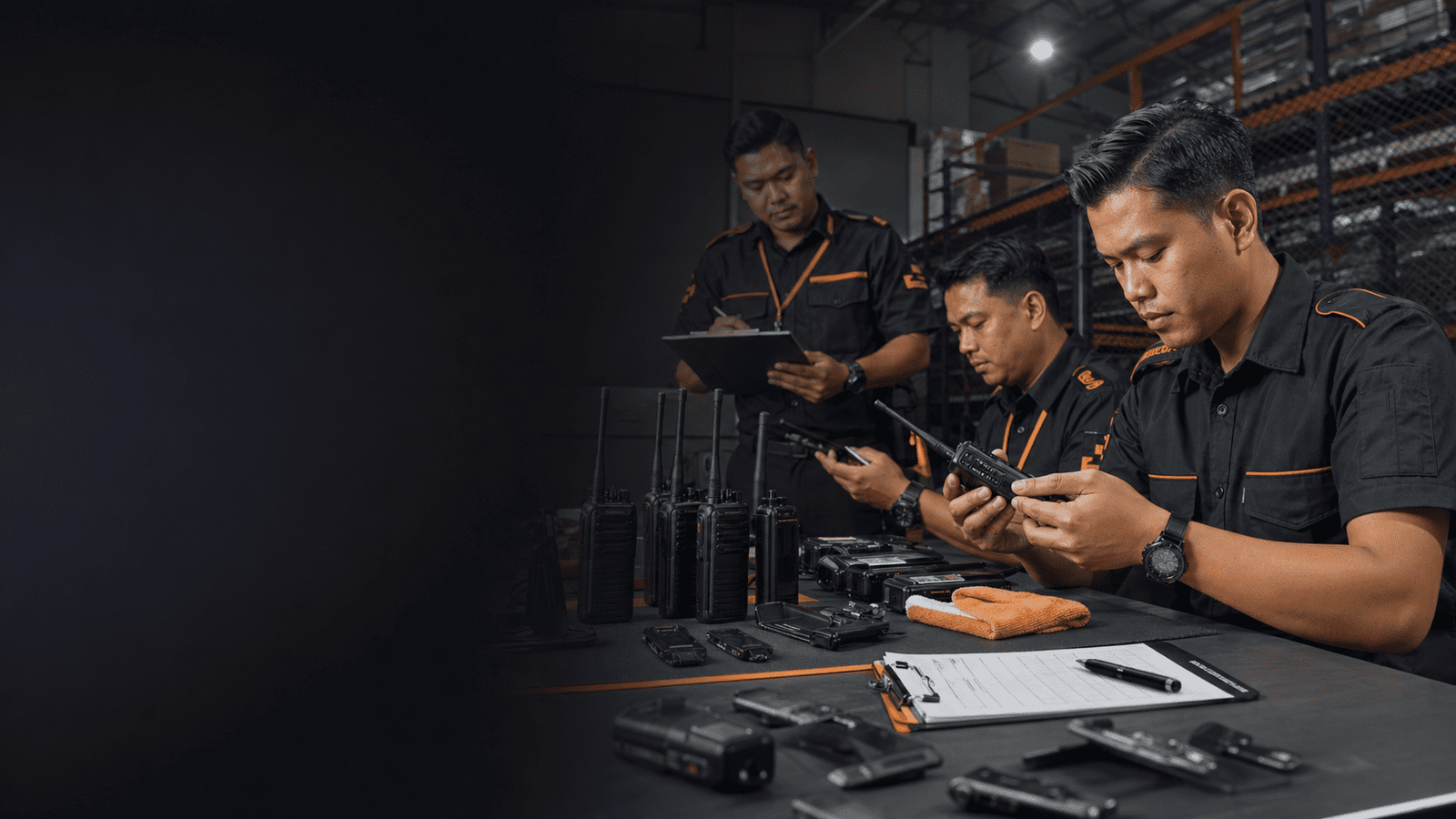
Walkie Talkie Maintenance Checklist Malaysia: How to Prevent Radio Failure on Site
A practical inspection routine for Malaysian security, warehouse, factory, construction, and facilities teams that need radios to work before the shift starts.
Catch small radio faults before they become shift downtime.
Most failures start as visible wear: loose antennas, dirty charging contacts, weak belt clips, blocked speaker grilles, or radios returned without inspection.
Readiness index
Shows whether the radio pool is clean, complete, and ready before shift handover.
Fault trend
A good checklist reduces repeat faults by making damage visible before radios leave the desk.
Risk heatmap
Most failures repeat when minor defects are not separated from usable radios.
Why radios fail on real sites
Walkie talkies usually fail in daily operations because small physical issues are ignored until the radio is already assigned to a user.
Common failure points include loose antennas, damaged push-to-talk buttons, dirty charging contacts, dust in the speaker grille, broken belt clips, swollen battery latches, water exposure, and radios returned after a shift without being checked. On Malaysian sites with heat, rain, dust, long patrol routes, and multiple handovers, the same small issue can repeat across the whole pool.
The purpose of a maintenance checklist is not paperwork. It gives the supervisor a short routine for deciding which radios are ready, which need cleaning, and which should be removed from service before the next shift.
Daily walkie talkie maintenance checklist
Before each shift, check the parts that users touch, drop, twist, and charge most often.
- Confirm the antenna is tight, straight, and not cracked.
- Press the push-to-talk button and side keys to feel for sticking or weak response.
- Check the speaker grille and microphone area for dust, water, tape, or dirt.
- Inspect the charging contacts and wipe dry residue with a suitable clean cloth.
- Look at the belt clip, battery latch, and casing for cracks from drops.
- Run a short radio check with another user before assigning the set.
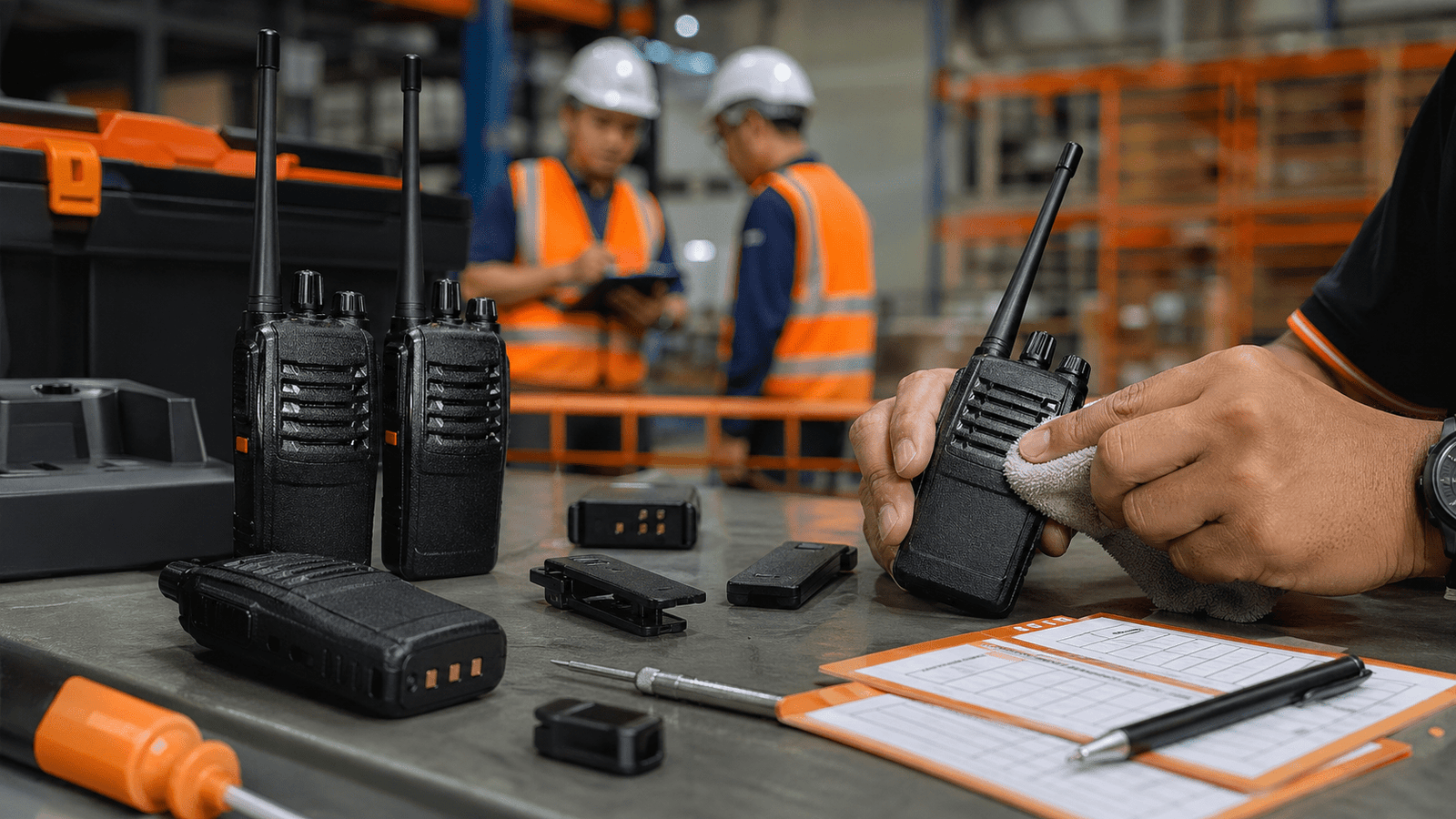
Weekly inspection by supervisor
A weekly supervisor check should catch patterns that normal users may not report.
| Inspection item | Failure prevented | Supervisor action |
|---|---|---|
| Antenna and connector | Weak transmission, intermittent signal, poor audio | Tighten, replace cracked antenna, quarantine damaged connector |
| Speaker and microphone area | Muffled audio, low volume, unclear speech | Clean grille, remove tape or dust, test audio both ways |
| Charging contacts and dock fit | Radio looks charged but fails during shift | Clean contacts, test dock slot, tag recurring failures |
| Case, clip, and latch | Dropped radios, loose battery fit, water entry | Replace worn accessories and remove cracked units from service |
How to use a failure log
A fault log stops the same bad radio from quietly returning to the next team.
Keep the log simple: date, radio label, user or post, fault observed, action taken, and whether the unit is ready, needs cleaning, or needs service. If the same fault keeps appearing, the team may need replacement accessories, a better charging area, user retraining, or a different radio model for that environment.
For security, warehouse, factory, hotel, parking, and construction teams in Malaysia, the most useful log is the one supervisors actually read during handover. Place it near the radio charging and storage area, not in a back-office folder.
Common Customer Questions
How often should walkie talkies be checked?
Run a quick visual and radio check before every shift, then do a deeper supervisor inspection weekly or after heavy rain, dust, drops, or site events.
What is the most common maintenance problem?
Dirty charging contacts, loose antennas, damaged clips, blocked speaker grilles, and unreported drop damage are common because they look minor until the radio fails during work.
Should users clean radios themselves?
Users can wipe exterior dirt if trained, but supervisors should control deeper checks, charging contact inspection, fault tagging, and removal from service.
When should a radio be removed from service?
Remove it when audio is unreliable, the antenna or casing is damaged, the charging contact keeps failing, water exposure is suspected, or the battery latch no longer holds properly.
Can Octogen help inspect or replace faulty radios?
Yes. Octogen can advise maintenance routines, replacement accessories, new radio sets, programming checks, chargers, batteries, and site communication planning for Malaysia teams.
Real Deployment Notes
A marked fault area prevents damaged radios from returning to security or operations by mistake.
Warehouses, construction sites, and loading bays can block speaker and microphone areas faster than office users expect.
The best time to catch problems is when radios return from one team and before they are assigned to the next.
Ask Octogen About Your Site Coverage
Send Octogen your site type, radio model, number of users, failure symptoms, and how radios are stored after each shift. The team can advise maintenance routines, accessories, replacements, chargers, and a more reliable communication plan.