

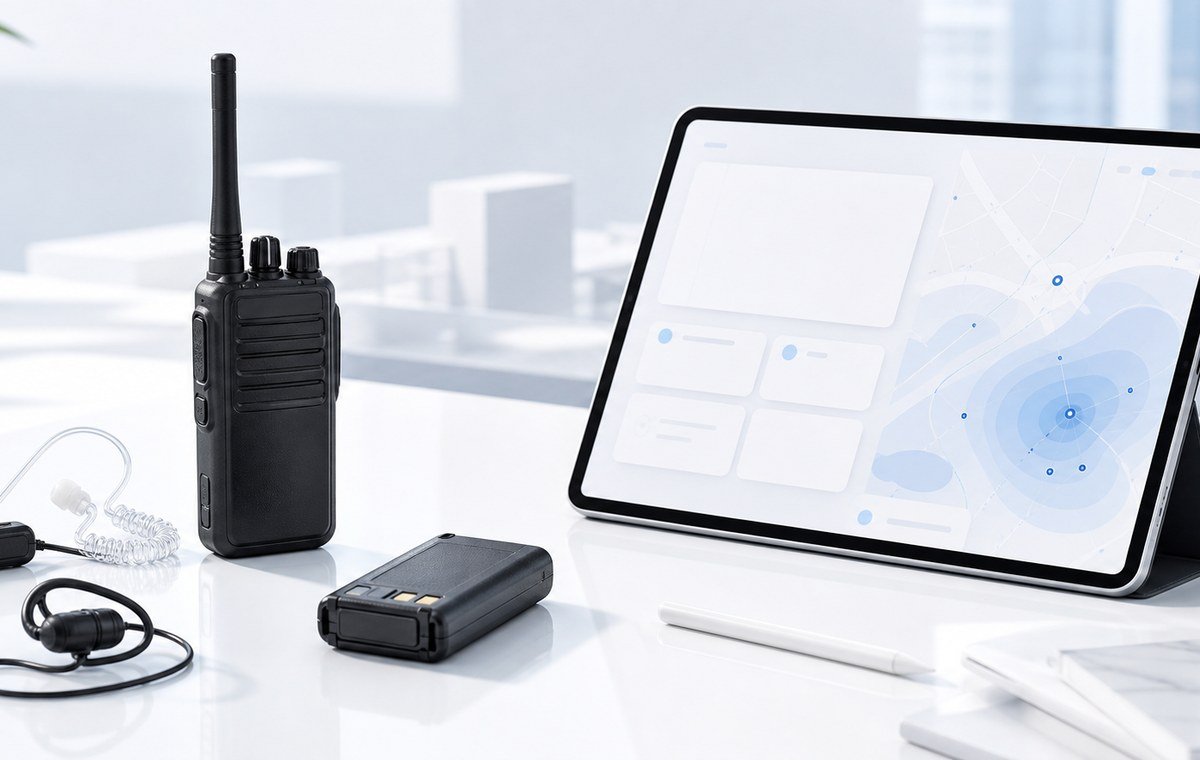
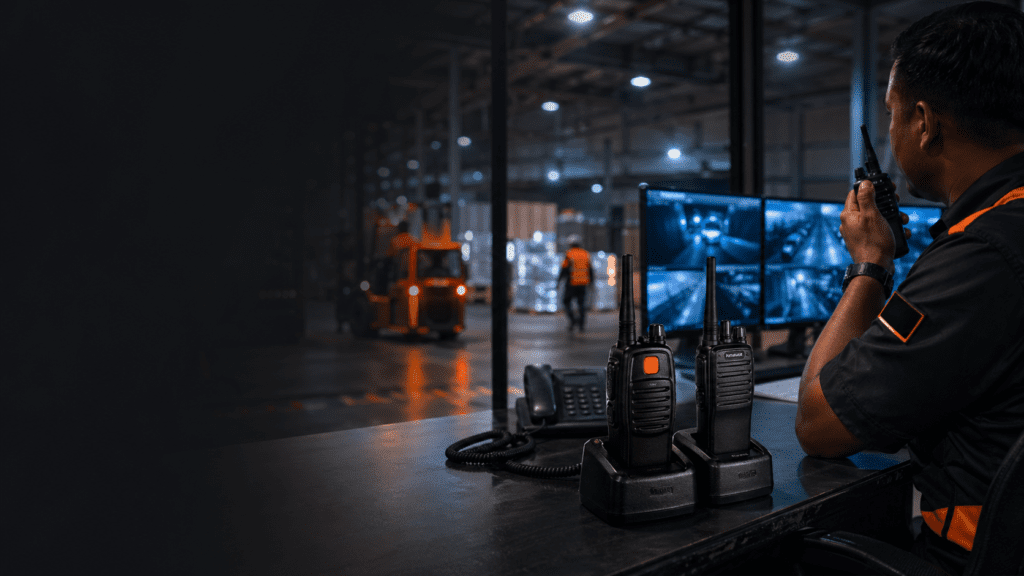
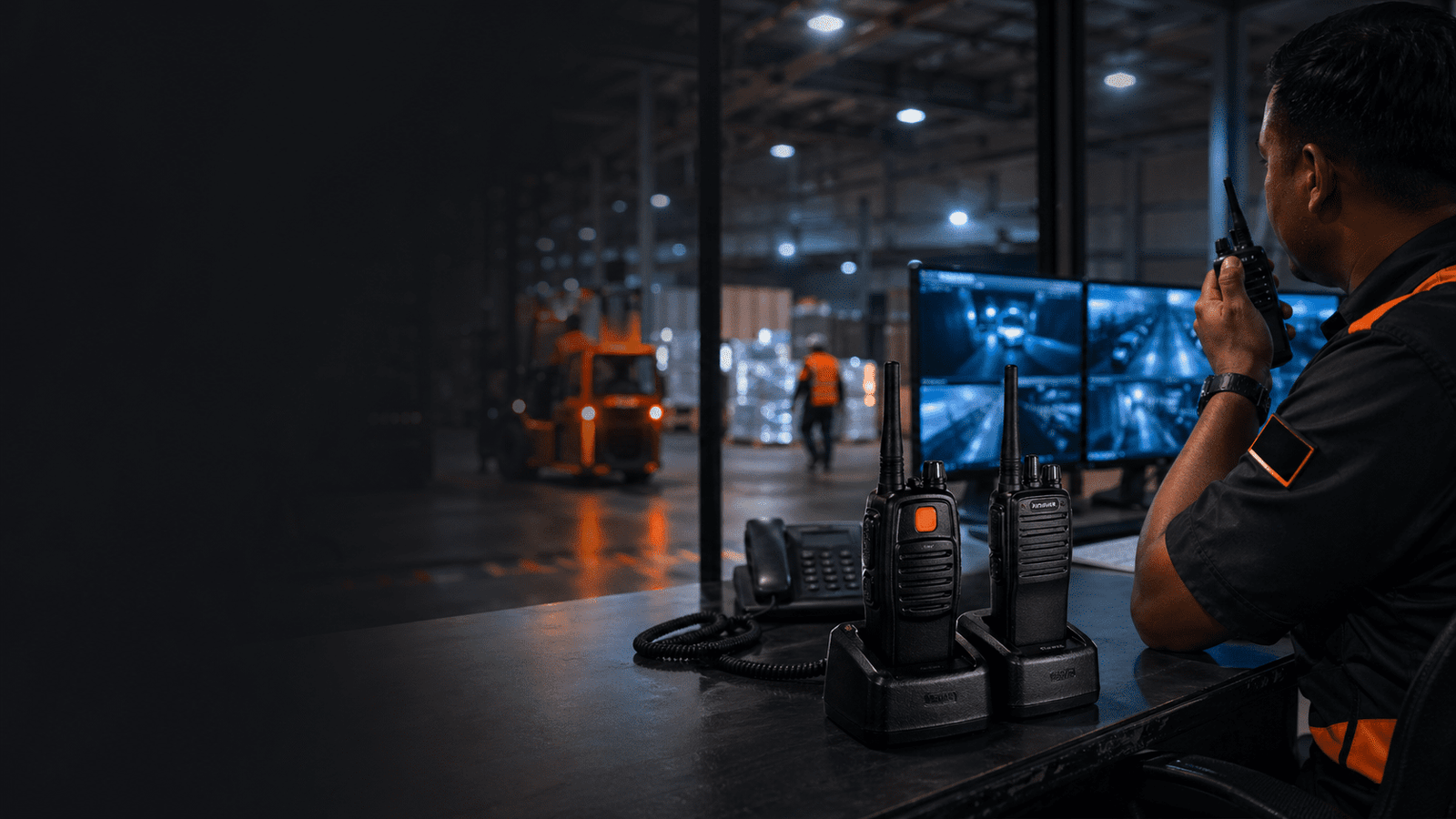
A practical guide for Malaysian security, warehouse, factory, facilities, and patrol teams deciding when emergency buttons, lone worker alerts, and response SOPs should be part of the radio plan.
Treat the emergency button as a response workflow, not just a radio feature.
A useful alert connects a person in trouble to a supervisor, a response team, and a clear site action within minutes.
Response index
Shows whether the site has a named receiver, dispatch owner, and repeatable escalation path.
Response timeline
A useful alert shortens the time between button press, acknowledgement, location check, and help arriving.
Risk heatmap
The common failures are not technical: nobody hears the alert, nobody knows the zone, or nobody owns dispatch.
When does an emergency button matter?
An emergency button matters when a worker may be alone, out of sight, or unable to explain the problem clearly over normal push-to-talk.
For Malaysian teams, this can include night security guards, warehouse patrols, plant room checks, parking areas, resort grounds, factory perimeter rounds, and isolated facilities posts. The feature is most useful when the radio system is planned so the alert reaches someone who is expected to act.
The goal is not only to buy a radio with an orange button. The goal is to make sure a user in trouble can signal quickly, the right person receives the alert, and the response path is tested before an incident happens.
Why the button is not the whole system
A radio feature only helps when the site has a simple SOP for who hears it, who checks the location, and who goes.
- Decide which supervisor, control desk, or response radio receives the alert.
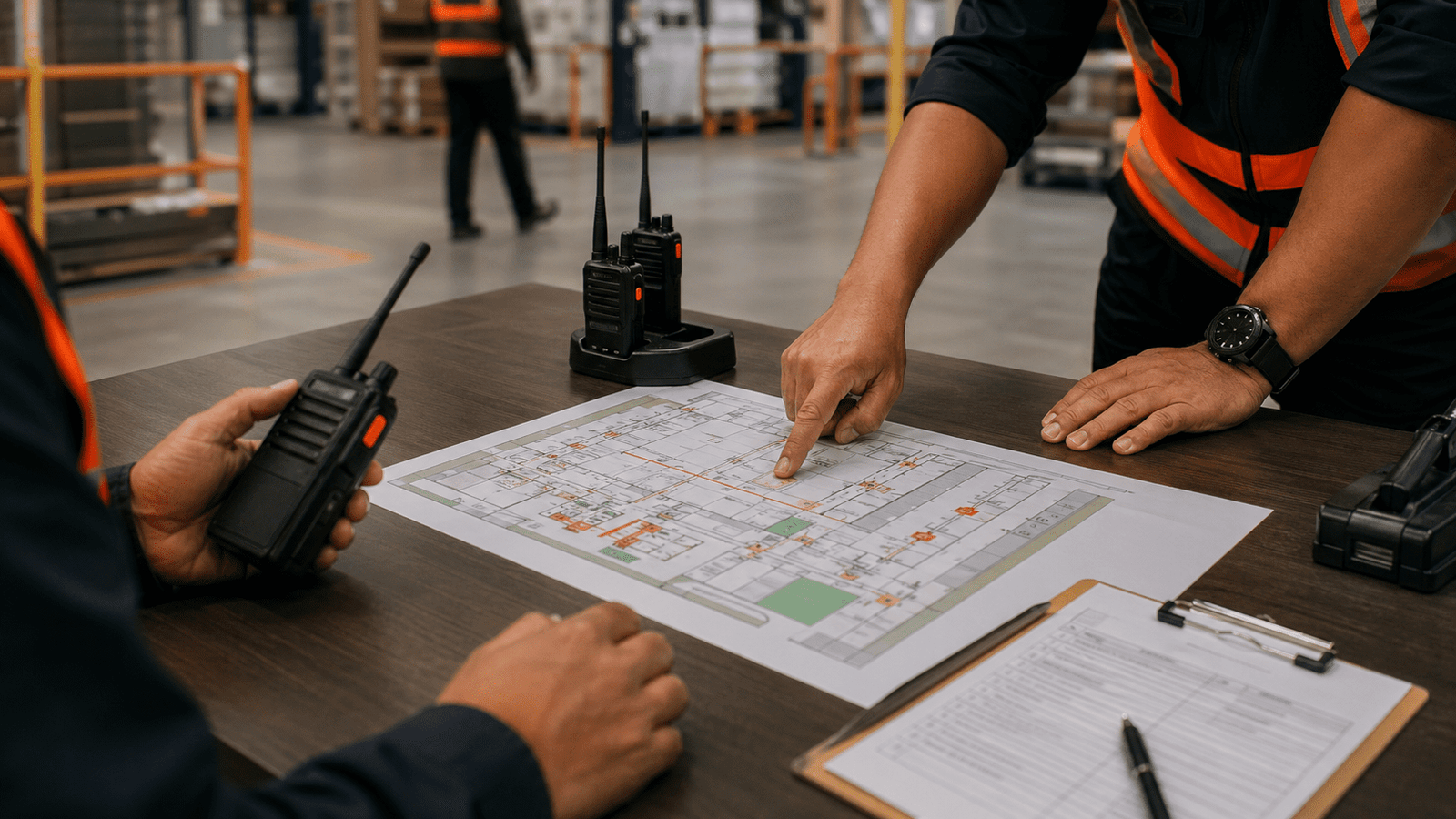
- Map patrol routes, zones, checkpoints, or floors so responders know where to start.
- Train users when to use the emergency button instead of normal radio traffic.
- Run short drills so night-shift and weekend teams do not discover the process during a real incident.
Emergency alert planning by site type
Start from the risk of the post, then decide whether emergency button routing, check-in calls, or a simpler radio SOP is enough.
| Site or role | Alert planning approach | What to confirm |
|---|---|---|
| Night security patrol | Emergency button route to supervisor or guardhouse | Patrol zones, acknowledgement phrase, and response pair |
| Factory or warehouse isolated area | Lone worker check-in plus emergency alert route | Noise, dead spots, PPE, and who can leave their post to respond |
| Hotel, mall, or parking security | Discreet alert plus zone naming | Guest-facing response, CCTV link, and escalation to management |
| Temporary event or construction site | Short event-specific SOP with command radio monitoring | Radio channel discipline, batteries, responder names, and handover notes |
How to build a response workflow
Keep the process short enough for real shifts: press, acknowledge, locate, dispatch, log.
Write the emergency alert flow on one page. Use plain site language, not technical radio terms. If the user presses the emergency button, the receiver should know whether to call back, dispatch a response pair, check CCTV, notify a safety officer, or escalate to management. For Klang Valley, Johor Bahru, Penang, Melaka, and other Malaysia sites with multi-shift teams, make sure the process survives handover.
- Assign a primary receiver and a backup receiver.
- Use zone names that workers already understand.
- Test the alert at least during onboarding and after radio programming changes.
- Record false alerts and missed alerts so the SOP improves instead of being ignored.
Common Customer Questions
Do all walkie talkies have an emergency button?
No. Emergency button availability depends on the radio model and programming. Some teams may only need normal push-to-talk, while higher-risk posts need a clearer alert route.
Will an emergency button automatically send a location?
Not always. Many radio setups need site zones, patrol routes, check-in discipline, or a connected system to provide useful location context. Confirm the exact capability before buying.
Who should receive a lone worker alert?
A named supervisor, control desk, guardhouse, or response radio should receive it. Avoid vague routes where everyone assumes someone else will act.
Is an emergency button useful for warehouses and factories?
Yes, especially around isolated aisles, loading bays, plant rooms, night operations, or noisy areas where a worker may not be visible.
Can Octogen help plan the emergency alert workflow?
Yes. Octogen can advise radio model choice, emergency button programming, accessories, batteries, charger planning, and the practical SOP needed for Malaysia sites.
Real Deployment Notes
If users fear blame, they may stop testing the button. Treat training alerts separately from misuse.
An emergency button is not useful if the patrol area cannot reach the receiver. Test the real route.
Night, weekend, and relief teams must know who monitors alerts after the main supervisor leaves.
Ask Octogen About Your Site Coverage
Send Octogen your site type, patrol routes, shift pattern, current radios, and whether workers are often alone. The team can advise whether emergency button programming, lone worker alert planning, batteries, accessories, or a stronger site coverage plan is needed.